

From storefront upload to print-ready production.
StickerFlow gives customers a visual sticker builder and gives your shop the cutlines, color controls, white-ink setup, preflight views, and gang sheets behind it.
Contour-aware gang sheets
Save thousands on material.
Our advanced AI traces the true contour of every design, then the nester packs each shape by that real outline instead of a bounding box. Spot colors, white underbase, and cutlines stay intact through the pack, so you fit more on every sheet and cut vinyl costs from the very first run.
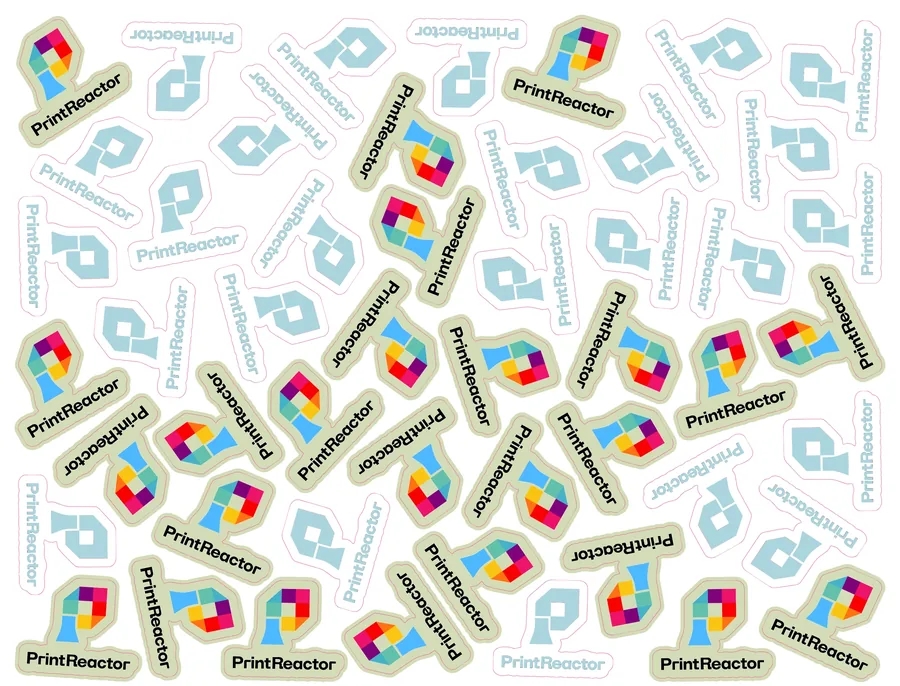
300 sq in saved, same 50 stickers
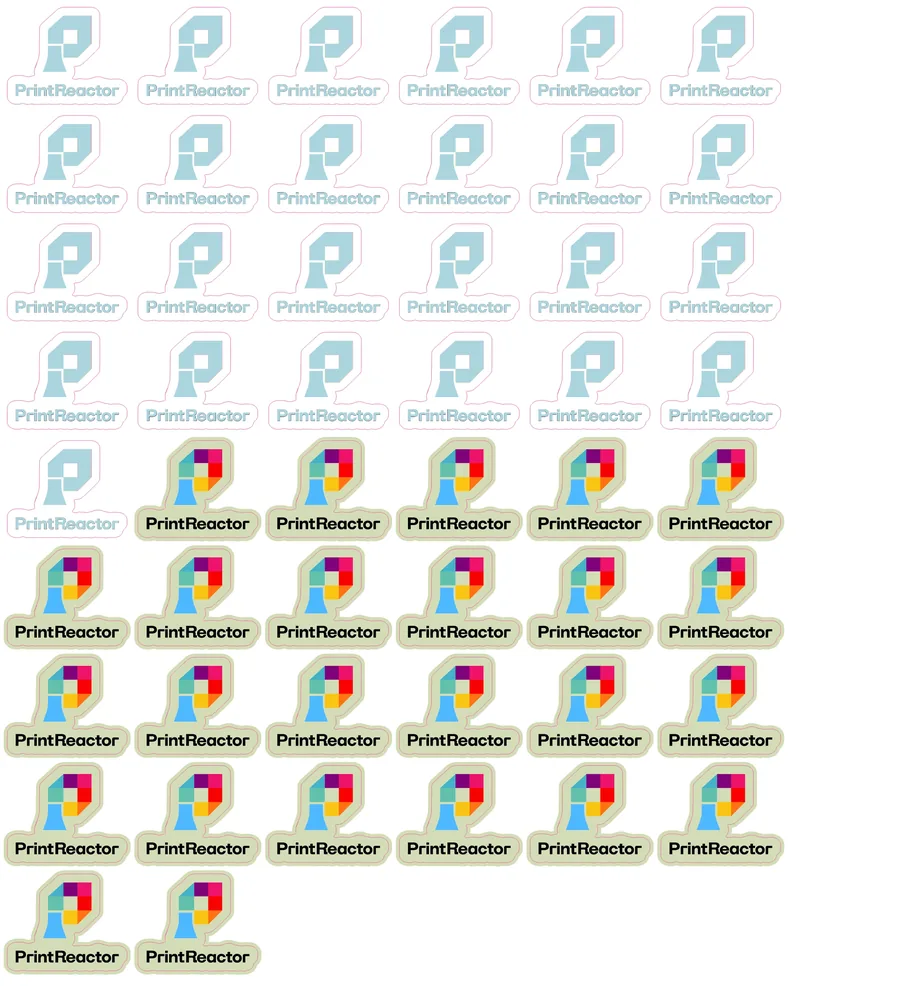
Batch printing
Select any group of pending orders and they'll automatically be sorted by material, packed onto sheets, and handed to you as a single folder of print-ready files. No manual sorting.
Sheet analytics
See how much material you're saving week over week. Every sheet gets a waste report so you can spot trends and prove the savings to yourself and your team.
Print-ready output
Skip prepress entirely.
Every approved order lands in the preflight bench as a print-ready PDF. Toggle layers, validate dimensions, confirm the spot-color stack, and hover anywhere to read the exact ink coverage. Approve once and it drops into the next gang sheet automatically.
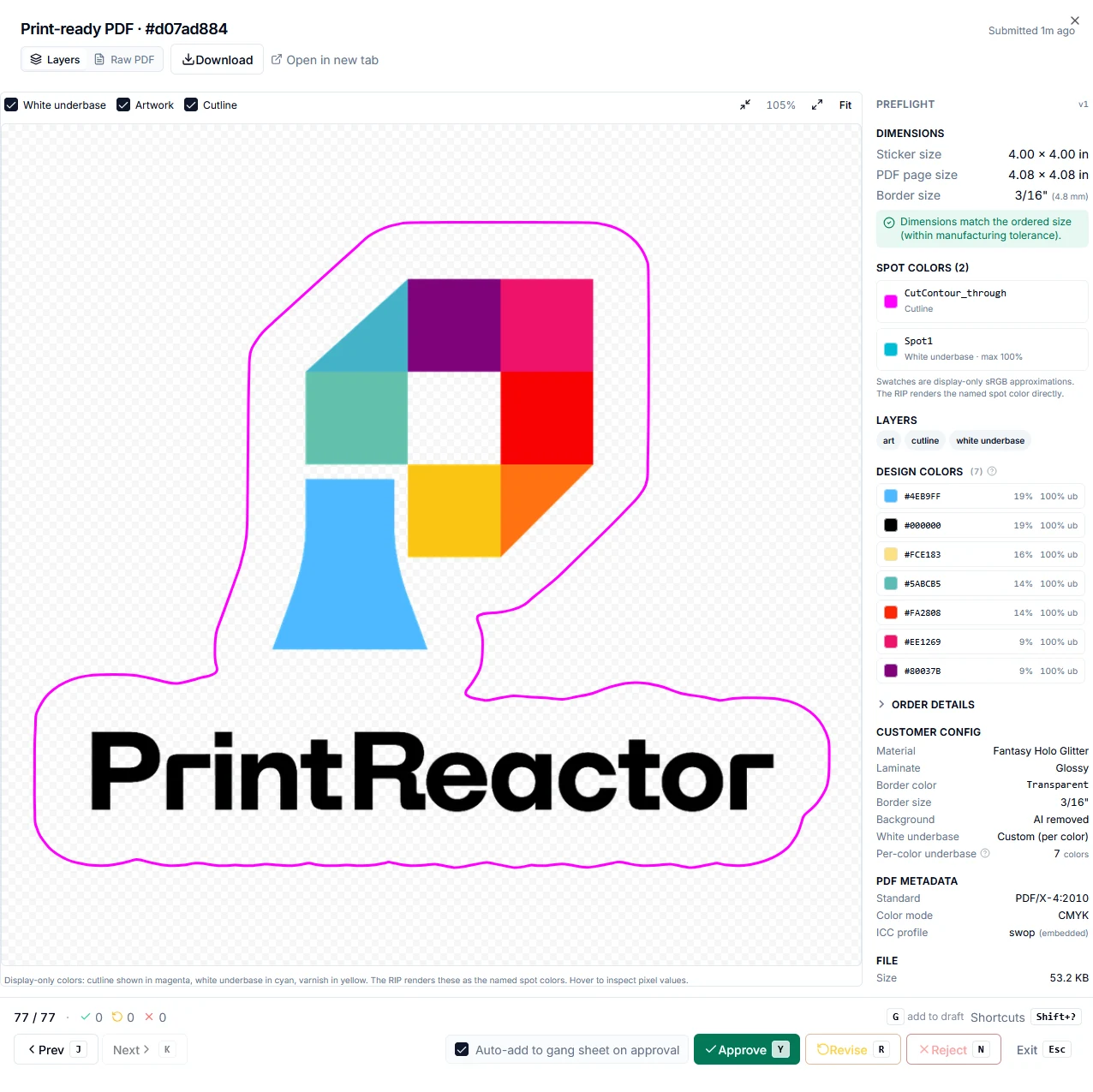
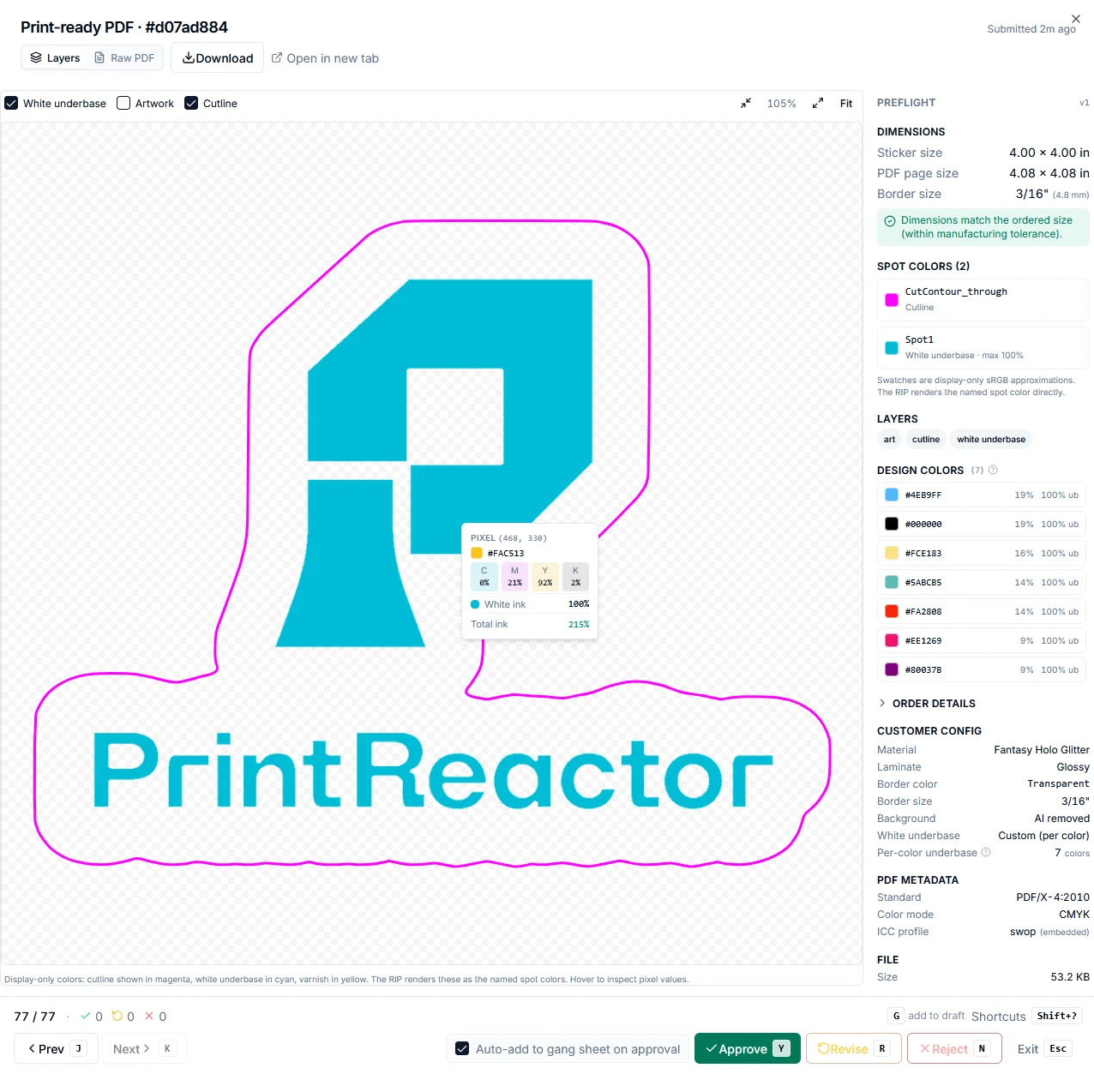
What the bench checks
Storefront builder
Every product, one software.
One software powers a builder for every product you sell, embedded right in your storefront. Customers upload their artwork, customize it live, and add to cart.
Cut precisely around the artwork.
Die-cut with a tear-off PEEL HERE tab.
A backing-only slit for easier peeling.
Die-cut with an interior kiss-cut slit that lifts a tab for easy peeling.
Sticker on a rectangular backing card.
Sticker on a custom-shape backing card.
One design repeated across a sheet.
Mixed designs in a custom layout.
Rectangular labels on a continuous roll.
Coming soonDie-cut shapes on a continuous roll.
Coming soonEpoxy dome
A clear, raised epoxy resin dome over the artwork for a glossy, high-end feel. You set the cutline limits (corner radii and the rest) and the builder validates every cut path against them, so each order runs cleanly on your doming equipment.
3D embossed
Raised UV varnish that lifts the artwork off the surface with real texture. Customers customize the embossed areas live in the builder, within the limits you set as the shop.
Real-time 3D preview
Every material is a real-time shader, the same engine that runs in your storefront. Customers tilt the sticker to catch the light, swap between 30+ materials and a range of laminate finishes, and see real shimmer, transparency, and texture before they buy.

AI cutlines and color controls
Upload a photo or logo and our AI traces the cut path for you. Choose how the background is handled with three cutline modes:
- Auto background removal. The AI removes the background and shapes the cutline to your artwork.
- With background. Keeps your original background color as the sticker substrate.
- As uploaded. Uses your image as-is, ideal for files that already have transparency.
Then pick a border width and tint the whole design or recolor the detected colors one at a time.
White ink underbase
When your shop turns on white ink, customers control the underbase themselves. They set the density per color, and the preview updates live so they see exactly how each color will sit on clear or dark vinyl before ordering.
Pick a vibe. Any color.
Reskin the whole builder with nine visual vibes. Glass, Neon, and seven more. Any vibe pairs with any color palette.
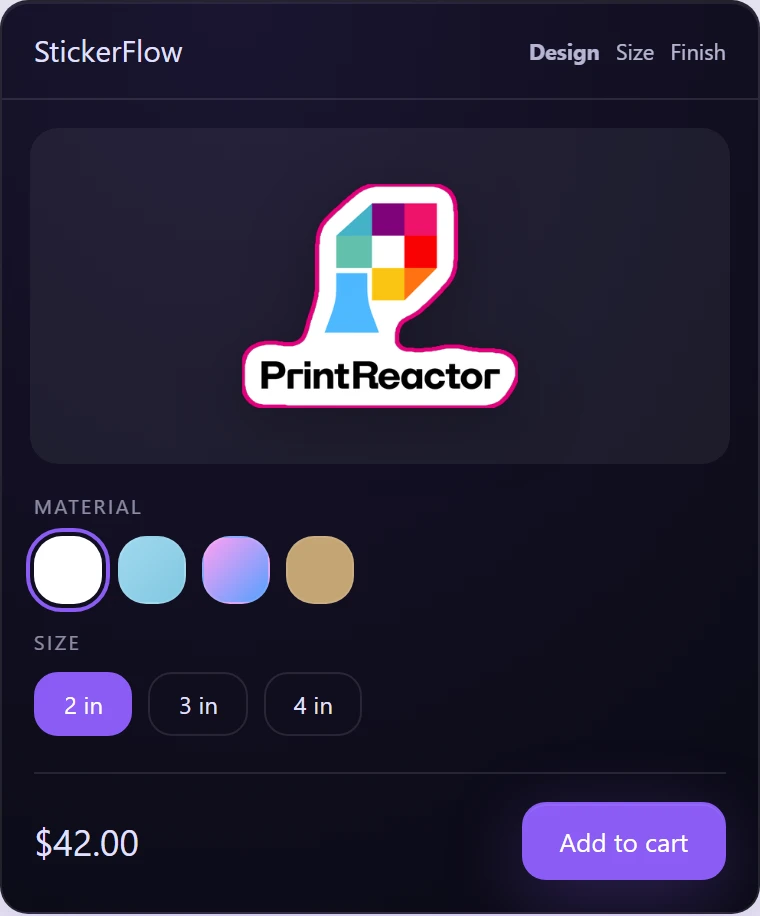
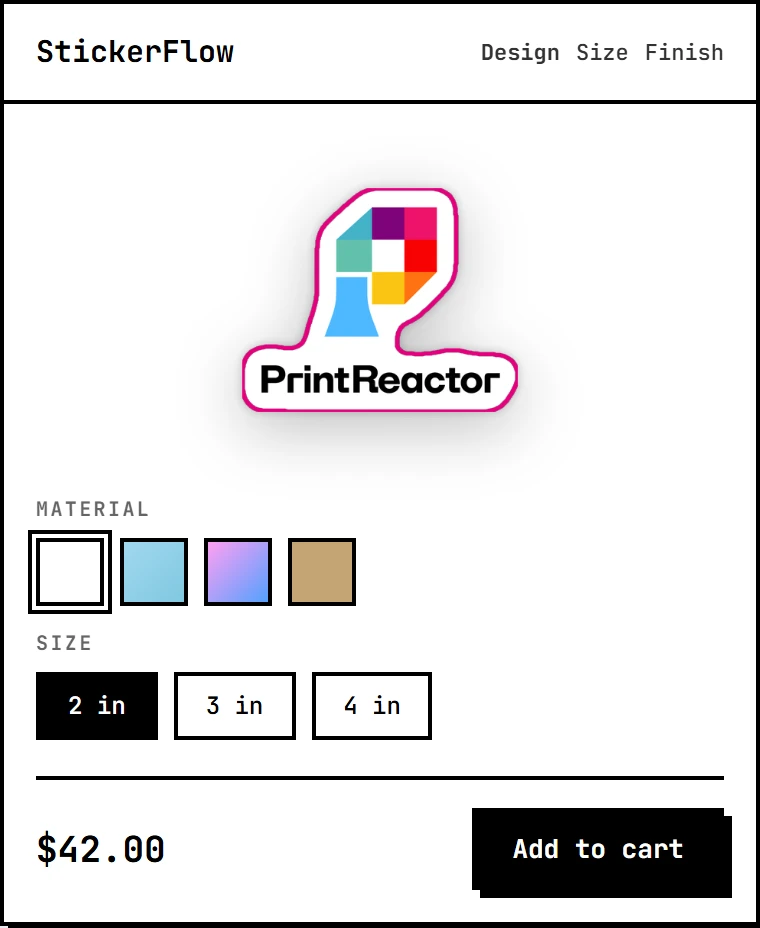
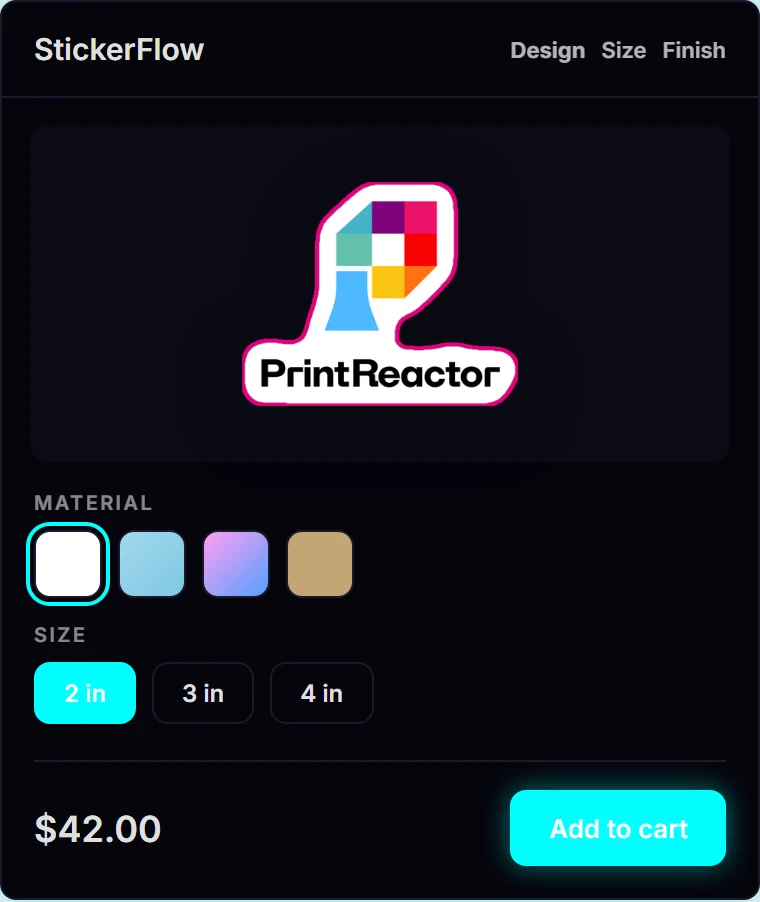
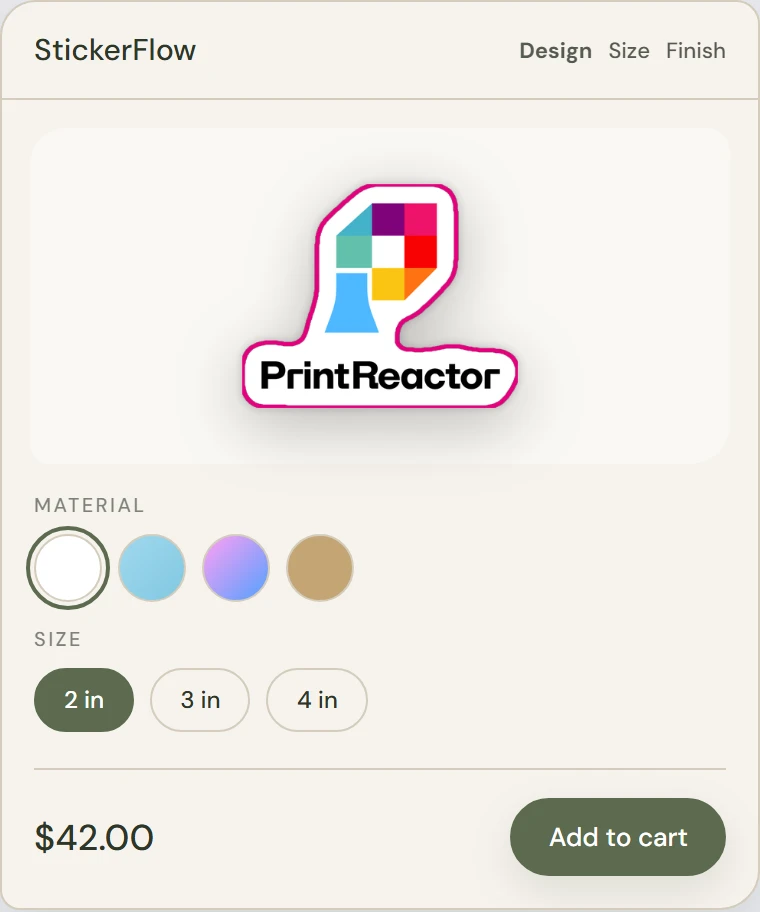
Your fonts, logo, and every label, plus per-vibe custom CSS when you want pixel control.
Your substrates, not a fixed list
Add materials from a base catalog (white vinyl, clear, kraft, metallics, holographics, and more), then tint each one to match the exact stock you print on, with a live preview of the real shader. Group them into categories, add variants and surcharges, and set white-ink or dome/emboss support per material.
The buyer's experience
Approve your proof before it prints
Before an order goes to the shop floor, the customer sees a proof rendered from the production file, showing their recolors, border, and material. They approve it or request a change, so what ships is what they signed off on.
The full builder, on a phone
Upload, recolor, set the cutline, pick a material, and check out from a phone. The builder uses a swipe-up sheet and a pinned price bar, so nothing gets lost on a small screen.
Reorder in two taps
A customer's finished designs are saved, so a repeat order doesn't mean rebuilding from scratch. They reuse a past design, adjust the quantity, and check out.
Merchant operations
One dashboard runs the shop.
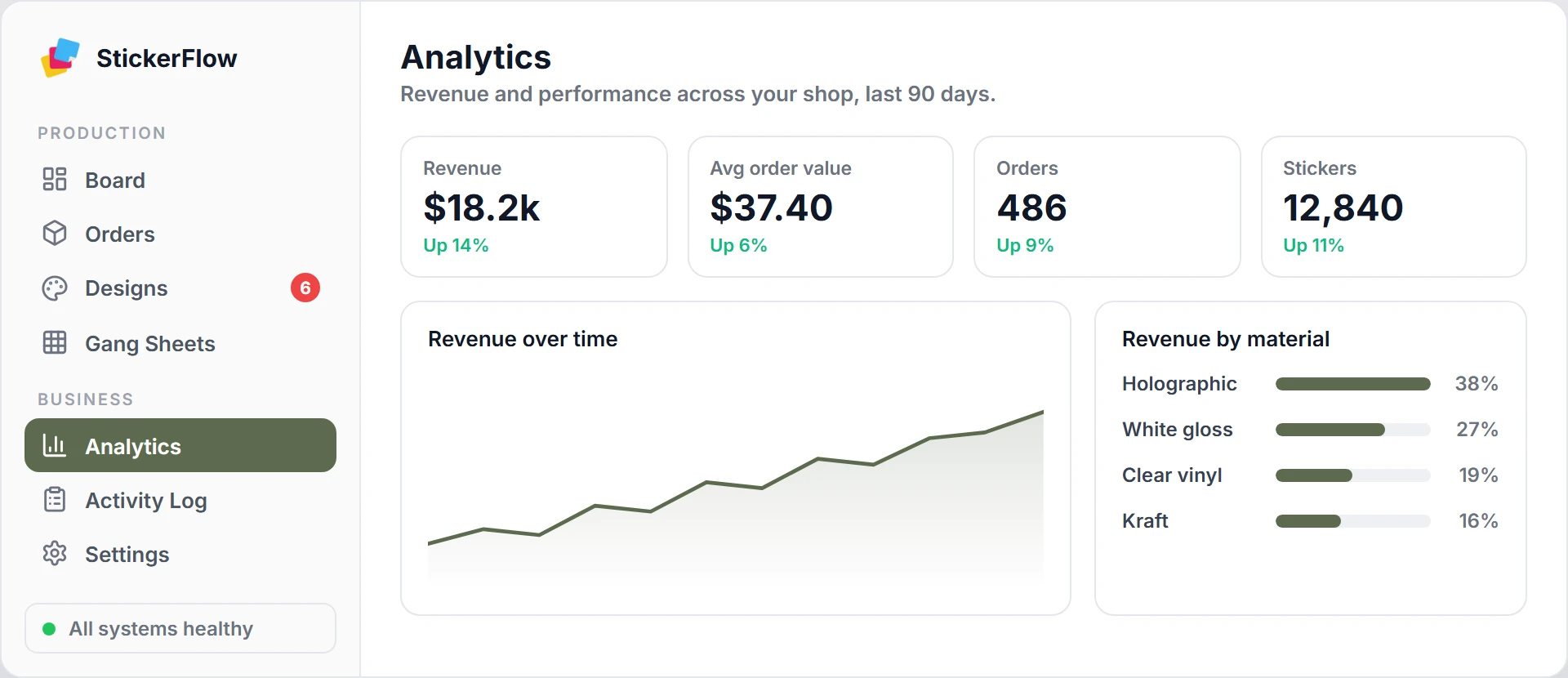
Everything here lives in a single admin dashboard. Analytics tracks revenue, orders, and stickers week over week and breaks them down by material. Orders, designs, gang sheets, and settings are one click away, with badges that flag what needs attention and a live system-health check in the corner. Updates stream in real time, and every teammate sees only what their role allows. Running more than one shop? Switch between them from the same login.
Tune it to your shop
Almost nothing is hard-coded. The settings that matter to a real print shop are all yours.
Orders approve themselves
Set your rules once: minimum size, file quality, approved materials. Standard orders go straight to production. You only see the ones that actually need your attention. Every decision is logged.
Customers approve the proof, not a guess
Hold any order for a customer proof rendered from the production file, showing their recolors, border, and material. The customer approves it or requests a revision before it reaches your queue, which cuts reprints and "that's not what I ordered" disputes.
Send each job to the right printer
Set rules that route approved files to a destination by material, white ink, cut, or product type. Files drop into that destination's watched folder, and hard capability checks block a job from a machine that can't run it.
Track every order to the doorstep
Each order moves through in production, printed, packed, shipped, and delivered. Shipped and delivery emails send automatically with the tracking number, carrier, and a tracking link.
Flexible pricing
Charge by size, by square inch, or with quantity discounts. Add premiums for specialty materials or laminates. Customers see the price update live as they design.
Know before you run out
Track stock per material and let it deduct automatically as orders are approved. When a material hits the threshold you set, a low-stock email and a dashboard alert fire, so you reorder before a sale sells vinyl you don't have.
See what's actually making money
Revenue, average order value, order and sticker counts, and trends over any date range. Break it down by material and see your top customers, so you know which products and finishes to push.
Bring your team in, scoped to their job
Invite staff and assign roles, from owner and admin down to manager, operator, and viewer, each with its own permissions. Every approval, refund, and setting change is written to an audit log.
Fully white-labeled
Change colors, fonts, and layouts to match your brand. If you're on Shopify, it inherits your theme automatically. Customers never know it's us.
Launch product types
Die-cut stickers, peel-tab stickers, kiss-cut cards, repeated sticker sheets, and custom-layout sheets are in the launch scope. Roll labels come later, after the sticker workflow is tight.

Get in early. Help us build it.
We're onboarding shops in small cohorts so every one gets personal attention. We're aiming for a June 2026 Closed Beta. Apply and we'll be in touch within a couple of days.